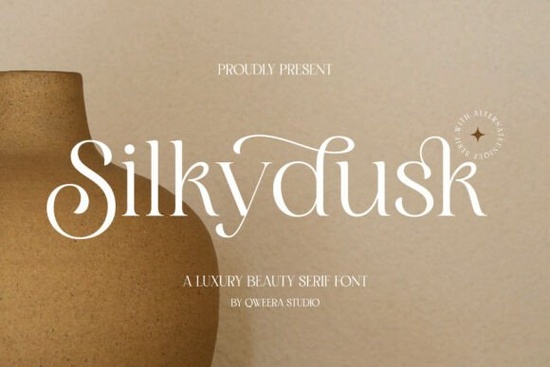
Finding the right typeface for luxury branding often means balancing readability with a touch of sophistication. If you are working on fashion editorials, boutique packaging, or elegant wedding stationery, the Silkydusk Font offers a highly refined approach. This modern serif typeface relies on smooth curves and delicate details to give projects a timeless, high-end feel without looking overly complicated. Designers and small business owners frequently look for typography that communicates prestige, and the clean lines of this specific family fit that requirement perfectly. It avoids the heavy, clunky look of older traditional fonts, making it ideal for modern aesthetics.
How do you use this typeface for high-end branding?
When building a visual identity for a luxury brand, the typography sets the initial tone before the customer even reads the message. This typeface provides balanced proportions that work well for bold storefront signage and refined business cards. For print-on-demand sellers creating apparel or canvas tote bags, a crisp serif style ensures the text remains legible from a distance while maintaining an upscale aesthetic. You might pair this with something more vintage if you want a mixed visual theme, much like how designers approach a classic typewriter style for nostalgic or heritage projects. The contrast between a sleek modern serif and a rougher vintage font can create striking visual tension.
What details make the lettering unique?
The standout features of this design are its graceful alternates and delicate ligatures. These extra characters allow graphic designers to customize logotypes and avoid repetitive letterforms in longer words. If you have worked with other elegant modern options, such as this distinctive editorial typeface, you know how much alternate glyphs improve the overall flow of a custom wordmark. The inclusion of full multilingual support also means you can use it for international clients without worrying about missing accents or special characters. Creative hobbyists making custom greeting cards will find the swashes particularly useful for adding a handwritten touch to printed names. This flexibility saves time during the revision process.
Which file formats and software work best?
Having the correct file formats is essential for smooth digital and print workflows. The package includes OTF, TTF, and WOFF files, ensuring compatibility across Adobe Illustrator, Photoshop, Canva, and standard web platforms. Crafters using electronic cutting machines will appreciate the smooth, continuous lines for vinyl decals on wine glasses or custom wooden signage. If your project requires a slightly softer look, you might look at another minimal serif option to see how different stroke weights change the mood of your layout. However, for pure modern luxury, this specific typeface excels in both digital mockups and physical prints. The WOFF format is especially helpful if you want to match your website typography to your printed packaging.
Can it handle both large logos and small text?
Versatility is a major factor for anyone managing multiple design tasks. Because the strokes are elegant but not overly thin, the text holds up well even when scaled down for product tags or cosmetic packaging. When setting up a magazine layout, you can use the bolder weights for chapter titles and the regular weights for pull quotes. For more specific applications and detailed installation instructions, you can always review the dedicated resource page for this font family to ensure your software settings are optimized. Knowing how the font behaves at different sizes prevents common printing mistakes and ensures your final product looks professional.
Quick checklist for installing and pairing your typeface
- Install both OTF and TTF: Keep the OTF file for design software like Illustrator to access all ligatures, and use the TTF for basic word processors.
- Access the glyphs panel: Make sure to open the glyphs or character panel in your software to see all the alternate characters and elegant swashes.
- Pair with a clean sans-serif: Balance the luxurious feel by using a simple, geometric sans-serif font for your secondary body copy.
- Test print sizes: Always print a test page before finalizing wedding invitations or packaging to ensure the delicate strokes do not break at small sizes.
- Check web compatibility: Use the included WOFF files if you plan to integrate the typography directly into a Shopify or WordPress storefront.
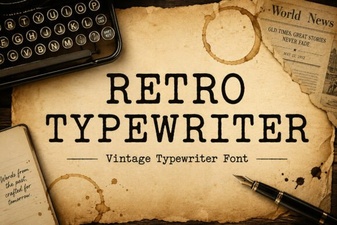 Craft Vintage Designs with Retro Typewriter Fonts
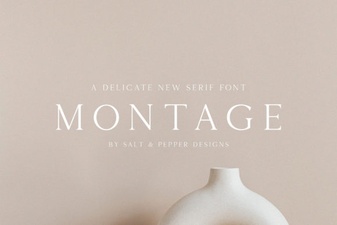 The Montage Font: Design Creativity Unleashed
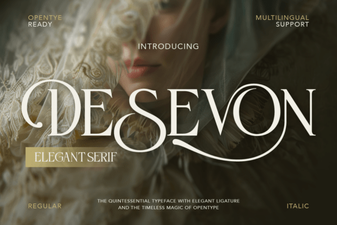 Desevon Font: Modern Typography for Design Projects
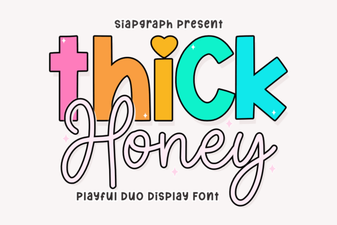 Thick Honey Duo Font for Creative Print Projects
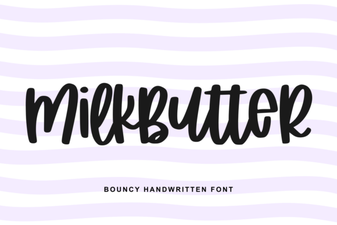 Milkbutter Font for Modern Design Projects
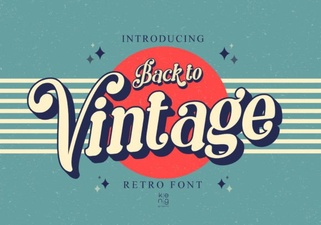 Embrace Vintage Fonts: Design with Retro Typography