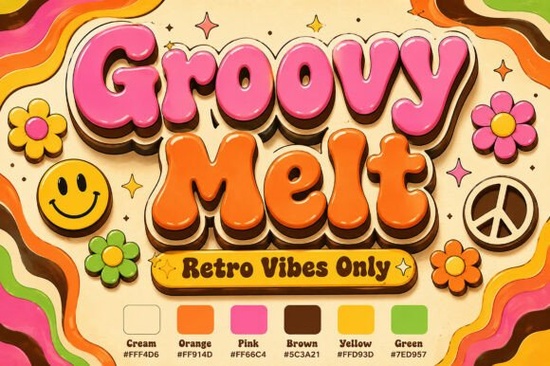
If you want to bring a heavy dose of 1970s nostalgia to your next design, you need typography that actually feels alive. The Groovy Melt Font does exactly this. It is a premium display typeface built with ultra-plump, volumetric letterforms that organically dissolve along a melting baseline. Designers and print-on-demand sellers often look for ways to capture that mid-century festival aesthetic, and this typeface delivers with its bubblegum pink and retro orange palette, accented by deep chocolate brown drop shadows. It is an excellent resource for creating custom apparel, stickers, and branding that needs a funky, established look.
What makes 1970s psychedelic typography work for modern projects?
The appeal of retro design lies in its warmth and character. Unlike sterile, minimalist typefaces, a style like this adds immediate texture and history to a canvas. The liquid highlights and multi-layered shadows create a 3D effect that grabs attention without feeling flat. When you explore different melting retro typefaces, you will notice that the best ones balance readability with extreme stylization. The volumetric script in this specific font maintains a clear structure even while the baseline drips and warps. This makes it highly practical for small business logos or mid-century lifestyle branding where you want a bold statement that is still easy to read from a distance.
Where should you use a volumetric melting script?
Because of its high-contrast colors and heavy weight, this typeface is a specialist tool. It is not meant for body text or long paragraphs. Instead, it thrives in short, impactful applications. Crafters and creative hobbyists will find it incredibly useful for:
- Vintage festival posters: The psychedelic lettering instantly sets the mood for music or arts events.
- Custom sticker lines: The liquid, bubbly shapes die-cut beautifully for vinyl decals.
- Funky apparel graphics: Screen printing these colorful, retro letters on vintage-wash t-shirts creates instant streetwear appeal.
If you are building a broader retro collection, you might also experiment with thick vintage lettering to give your designs a slightly different, yet equally nostalgic, geometric feel. For those who prefer a softer, more organic seventies vibe, adding floral-inspired scripts to your toolkit can provide a nice contrast to the heavy, melting shapes.
How do you pair a high-contrast display typeface?
Pairing fonts correctly ensures your design remains professional and legible. Since the main typeface is so loud and detailed, your secondary font should be quiet and simple. A clean, modern sans-serif or a very subtle serif works best to balance the visual weight.
If your project requires a multi-font hierarchy, avoid using two highly decorative fonts together. For example, if you pair this melting script with elegant handwritten styles, the competing curves can make the text hard to read. Similarly, mixing it with modern pop graphics might clash because of the different eras they represent. Stick to neutral supporting typefaces for your subheadings, dates, and taglines so the primary retro display font remains the star of the composition.
What software do you need to use colored display fonts?
To get the full effect of the bubblegum pink, orange, and brown color palette, you need design software that supports OpenType-SVG or color fonts. Programs like Adobe Illustrator, Photoshop, and recent versions of Procreate handle these layered colors natively. If you are using vinyl cutting software like Cricut Design Space, you may need to flatten the design or use the font in a single-color format, depending on your project requirements. Always check the file formats included with your download to ensure compatibility with your workflow.
A quick checklist for your next retro design project
Before you finalize your layout, run through these basic checks:
- Check the contrast: Ensure the dark chocolate brown drop shadows do not blend into a dark background.
- Keep it short: Use the melting font for a maximum of one to three words to maintain impact.
- Balance the layout: Offset the heavy typography with plenty of negative space or simple background textures.
- Test the output: Print a small sample to see how the liquid highlights and multi-layered shadows translate to physical media.
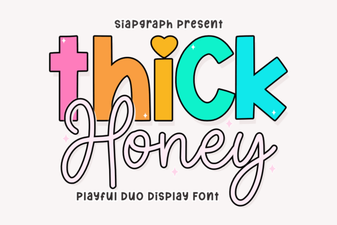 Thick Honey Duo Font for Creative Print Projects
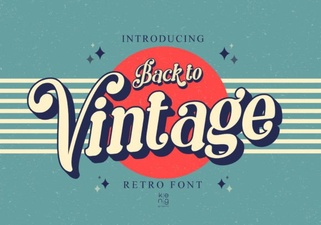 Embrace Vintage Fonts: Design with Retro Typography
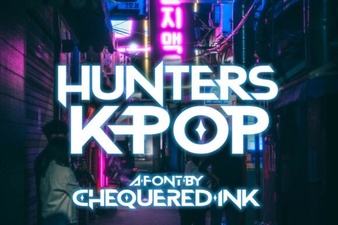 Hunter's K-Pop Fonts for Music & Design Projects
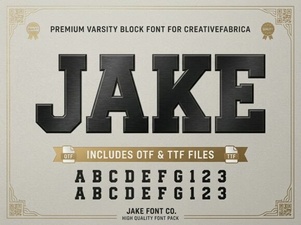 Jake Font: Creative Design Projects & Free Downloads
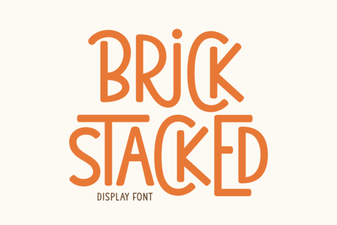 Building Creative Structures with Brick Fonts
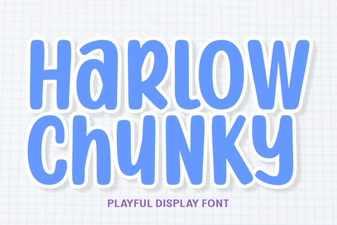 Design with the Chunky Harlow Font Style